Why I even started with Rancher
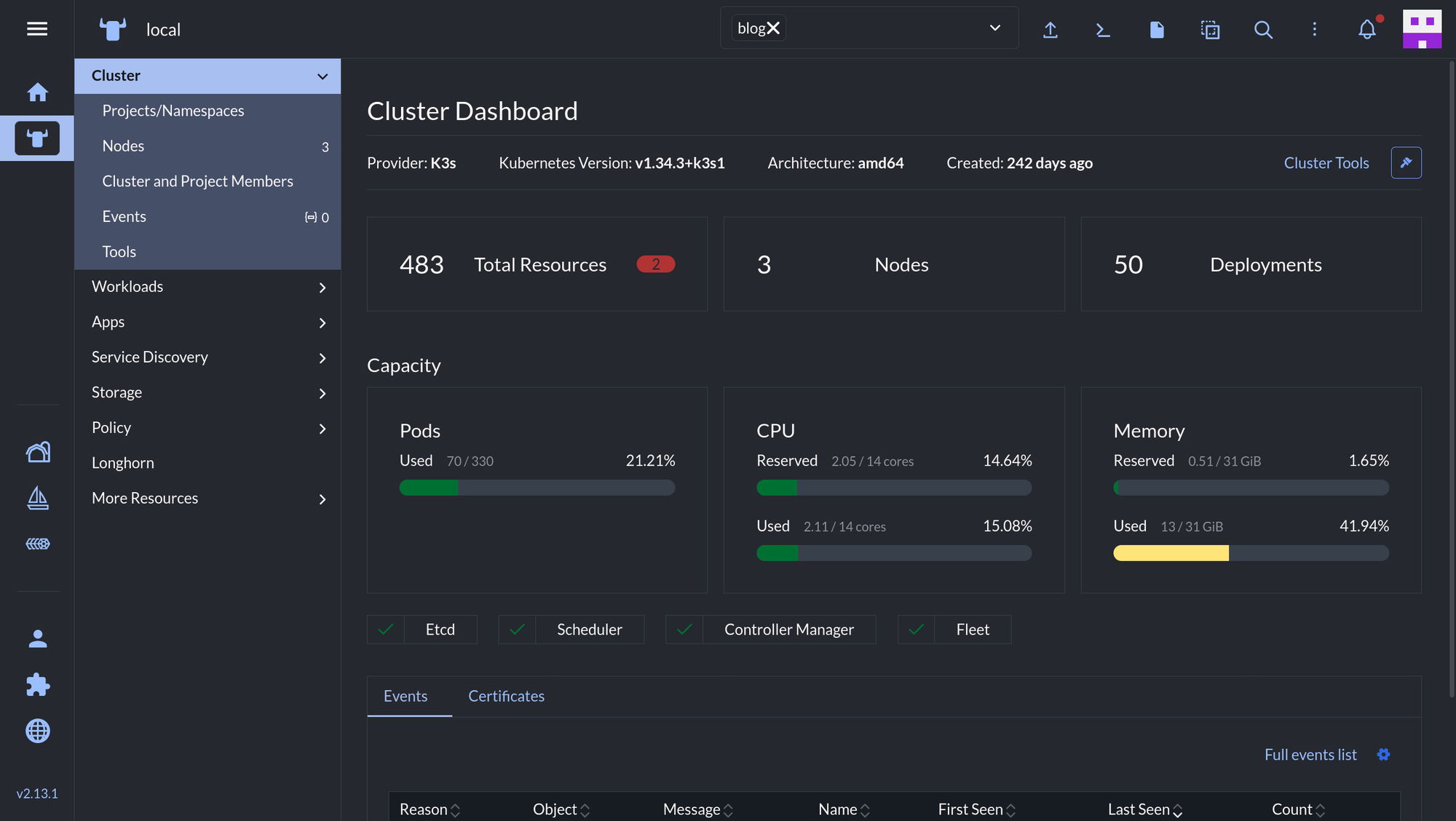
I didn't pick Rancher because I did a bunch of research and decided it was the best tool for managing a Kubernetes cluster. I picked it because my wife was the one teaching me k8s in the first place, and her work used Rancher. I installed it on my personal cluster so that when I inevitably got stuck (which was often), it wouldn't be a huge lift for her to hop in and help — she already knew the UI, so she could just look at what I was looking at.
That worked great for learning. Point, click, see the pods, see the logs, restart a deployment. For several months that was basically my entire mental model of "managing a cluster."
Then I started a new job, and it did not use Rancher
My current job manages clusters with the AWS console and k9s. No Rancher UI safety net. Just a terminal and whatever kubectl muscle memory I actually had — which, it turned out, was not much.
I found this out in a pretty embarrassing way. A coworker handed me a kubeconfig file and asked me to just run something like kubectl get pods to confirm it worked on my laptop. I was competent enough to remember to turn on the AWS VPN first (small win), and I even remembered the actual command. What I did not know was that you need to point kubectl at that config file — I had genuinely never used the --kubeconfig flag or dealt with a config path before, because Rancher had been doing all of that for me behind a UI the whole time.
Nothing like fumbling a "just run this one command" request in front of a coworker to make you realize how much a GUI can quietly hide from you.
So I moved my own cluster to k9s
Once I felt rusty at work, I didn't want to keep reinforcing point-and-click habits on my personal cluster too. So I switched my own K3s cluster over to managing it through k9s instead of Rancher — partly to fix the gap, partly because I wanted my personal-project muscle memory to actually match what I use at my job.
The transition wasn't instant. The hardest part honestly wasn't the keyboard-driven navigation or remembering commands — it was just finding things. Rancher puts everything in a sidebar with labeled sections; in k9s, you need to already kind of know what you're looking for and how to get to it. There's no menu to browse when you don't know the resource name yet.
But once things clicked, the workflows that used to be a few clicks in Rancher became fast, deliberate keystrokes in k9s:
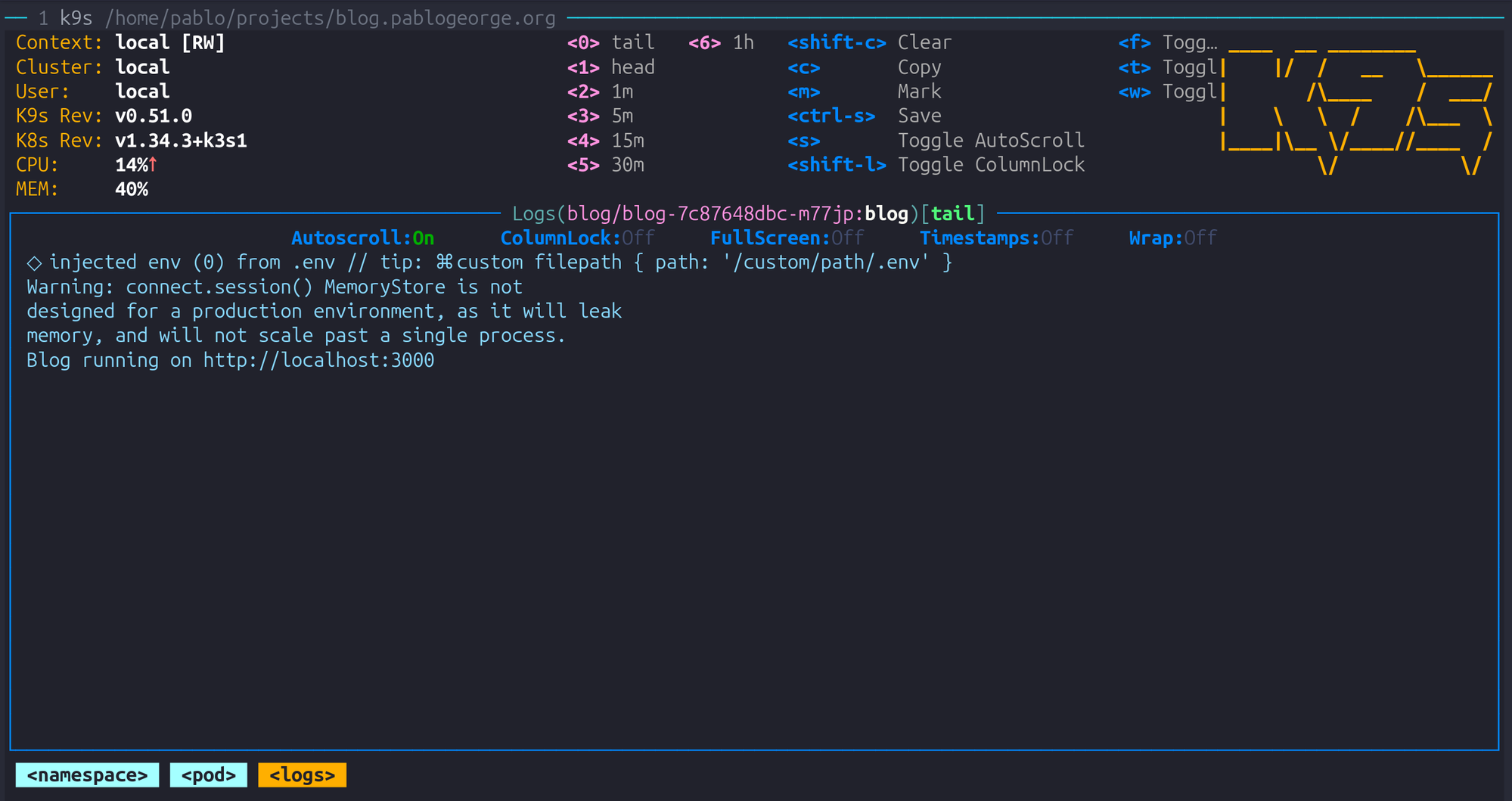
- Browsing pods and logs — jump to pods, hit a key, and you're tailing logs live
- Describing resources — full
kubectl describeoutput without leaving the terminal - Shelling into containers — straight into a container shell from the pod list
- Live editing and redeploying — editing a resource and rolling out the change, no dashboard round-trip
The verdict
k9s is genuinely enjoyable to use, especially if you already live in the terminal for everything else. I already run Claude Code, Neovim, and tmux day to day, so moving my cluster management into the terminal too felt natural instead of like a downgrade from a "real" UI.
If you're on the fence about ditching a GUI like Rancher for something like k9s: do it before you're forced to, not after you fumble a kubeconfig flag in front of a coworker like I did.