From Facebook Marketplace to k3s: Deploying My Blog on a Homelab Cluster
So I finally did it. I deployed my personal blog onto a real Kubernetes cluster running in my home. Three old computers I picked up off Facebook Marketplace, named after the MAGI supercomputers from Neon Genesis Evangelion. Yes, I'm that guy.
This post is mostly for me, a record of what I actually did so future-me doesn't have to figure it out from scratch. But if you're trying to do something similar, hopefully it's useful.
The Hardware
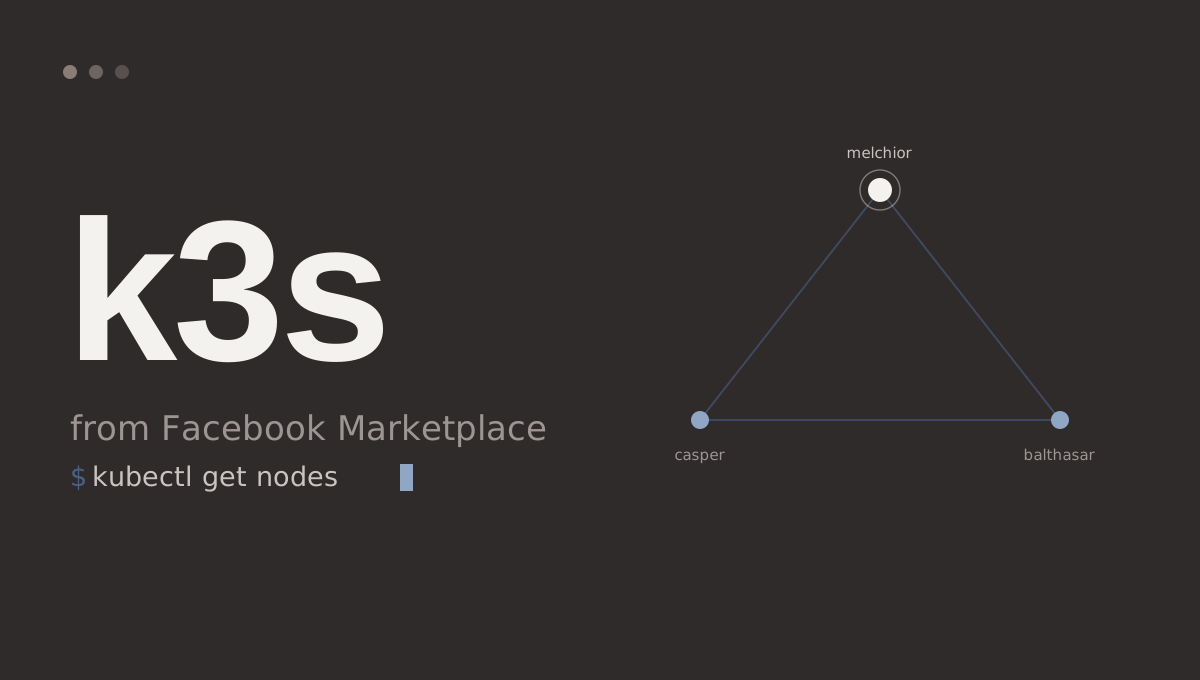
My cluster is three nodes named melchior-magi-1, balthasar-magi-2, and casper-magi-3. Nothing special, just old machines I found cheap on Facebook Marketplace. Melchior is the control plane, Balthasar and Casper are workers.
Installing k3s
I used the official k3s install script. On the server node:
curl -sfL https://get.k3s.io | sh -
Then grab the node token from /var/lib/rancher/k3s/server/node-token and join the worker nodes:
# On each worker
curl -sfL https://get.k3s.io | K3S_URL=https://melchior-magi-1:6443 K3S_TOKEN=<node-token> sh -
After a minute, kubectl get nodes showed all three ready. k3s ships with Traefik as the ingress controller out of the box, which turned out to matter later.
Installing Rancher
With k3s running, I installed Rancher via Helm into the cluster itself:
# cert-manager is a Rancher prerequisite
kubectl apply -f https://github.com/cert-manager/cert-manager/releases/download/v1.14.0/cert-manager.yaml

# Add the Rancher Helm repo
helm repo add rancher-stable https://releases.rancher.com/server-charts/stable
helm repo update

# Deploy Rancher
helm install rancher rancher-stable/rancher \
  --namespace cattle-system \
  --create-namespace \
  --set hostname=rancher.yourdomain.com
Once it came up and I got through the bootstrap password setup, I had a full management UI for the cluster. Being able to see deployments, pods, and logs through a browser is genuinely useful.
The Blog App
The blog is a Node.js/Express app with EJS templates and SQLite for storage. The Kubernetes manifests live in k8s/ and consist of two files: deployment.yaml and ingress.yaml.
The Deployment runs a single replica, pulls the image from GHCR, and mounts a PersistentVolumeClaim at /data for the SQLite database and file uploads:
apiVersion: apps/v1
kind: Deployment
metadata:
  name: blog
  namespace: blog
spec:
  replicas: 1
  selector:
    matchLabels:
      app: blog
  template:
    spec:
      containers:
        - name: blog
          image: ghcr.io/pablo-george/blog.pablogeorge.org:latest
          imagePullPolicy: Always
          ports:
            - containerPort: 3000
          env:
            - name: SESSION_SECRET
              valueFrom:
                secretKeyRef:
                  name: blog-secrets
                  key: session-secret
            - name: INVITE_CODE
              valueFrom:
                secretKeyRef:
                  name: blog-secrets
                  key: invite-code
            - name: SQLITE_PATH
              value: "/data/blog.db"
          volumeMounts:
            - name: data
              mountPath: /data
      imagePullSecrets:
        - name: ghcr-secret
      volumes:
        - name: data
          persistentVolumeClaim:
            claimName: blog-data
---
apiVersion: v1
kind: PersistentVolumeClaim
metadata:
  name: blog-data
  namespace: blog
spec:
  accessModes:
    - ReadWriteOnce
  resources:
    requests:
      storage: 5Gi
Before applying the manifest, I created the two secrets the app needs:
# Credentials for pulling the image from GHCR
kubectl create secret docker-registry ghcr-secret \
  --docker-server=ghcr.io \
  --docker-username=Pablo-George \
  --docker-password=<github-PAT> \
  --namespace=blog

# App secrets
kubectl create secret generic blog-secrets \
  --from-literal=session-secret=<some-long-random-string> \
  --from-literal=invite-code=<your-invite-code> \
  --namespace=blog
CI: GitHub Actions to GHCR
The GitHub Actions workflow builds and pushes the Docker image on every push to main. It uses secrets.GITHUB_TOKEN automatically so no manual PAT is needed on the CI side:
- name: Log in to GitHub Container Registry
  uses: docker/login-action@v3
  with:
    registry: ghcr.io
    username: ${{ github.actor }}
    password: ${{ secrets.GITHUB_TOKEN }}

- name: Build and push
  uses: docker/build-push-action@v5
  with:
    context: .
    push: true
    tags: |
      ghcr.io/pablo-george/blog.pablogeorge.org:latest
      ghcr.io/pablo-george/blog.pablogeorge.org:sha-${{ github.sha }}
Push to main, the image builds, and the cluster pulls :latest on the next rollout.
Gotcha #1: Green Deployment, No Website
After the deployment showed green in Rancher I went to blog.pablogeorge.org and got a 404. Frustrating for about five minutes before I realized: I had applied the Deployment and Service but never created the Ingress. The pods were running perfectly. Nothing was routing traffic to them.
The Ingress for Traefik looks like this:
apiVersion: networking.k8s.io/v1
kind: Ingress
metadata:
  name: blog-ingress
  annotations:
    traefik.ingress.kubernetes.io/router.entrypoints: web
spec:
  rules:
    - host: blog.pablogeorge.org
      http:
        paths:
          - path: /
            pathType: Prefix
            backend:
              service:
                name: blog
                port:
                  number: 3000
Applied it, Traefik picked it up immediately, blog came up.
Gotcha #2: The Typo That Cost Me 20 Minutes
Classic. I had a typo in the blog-secrets name inside the Deployment manifest. The pod was stuck in ImagePullBackOff and it turned out to be an env var failure. The container couldn't start because the secret reference was wrong. kubectl describe pod <pod-name> called it out immediately. Fixed the typo, reapplied, and everything came up.
The MCP Server
This is my favourite part. The blog also ships with an MCP (Model Context Protocol) server, a small Node.js script that exposes the blog's API as "tools" that Claude can call.
The server runs locally as a subprocess via Claude Code's stdio transport. It logs into the blog using BLOG_URL, BLOG_USERNAME, and BLOG_PASSWORD, then proxies tool calls (like create_post or publish_post) to the blog's JSON API.
To wire it up, I added an entry to .claude/settings.json in the project:
{
  "mcpServers": {
    "blog": {
      "command": "node",
      "args": ["/home/pablo/projects/blog/mcp-server/index.js"],
      "env": {
        "BLOG_URL": "https://blog.pablogeorge.org",
        "BLOG_USERNAME": "your-username",
        "BLOG_PASSWORD": "your-password"
      }
    }
  }
}
Claude Code spawns the MCP server process on startup and the tools show up alongside everything else: list_posts, create_post, update_post, publish_post, and more.
In fact, this post was drafted and saved using exactly that setup. I told Claude what I wanted to write about, answered its questions, and it called create_post to save the draft. Pretty meta.
What's Next
A few things I want to do from here:
- GitOps: Set up ArgoCD or Flux so the cluster auto-deploys when I push to main, instead of me running
kubectl applymanually - HTTPS: Add a TLS certificate via cert-manager / Let's Encrypt and switch the Traefik entrypoint from
webtowebsecure - Monitoring: Get Prometheus and Grafana running to see what's actually happening on the nodes
- Secrets management: Move toward Sealed Secrets or External Secrets instead of raw
kubectl create secret
For now though, the blog is live, the cluster is humming, and I can post from Claude. That's a good place to be.